01
Local by default
Your voice is transcribed on your Mac. No account, API key, or cloud transcription required.
 ElokinGet Elokin
Elokin turns your voice into ready-to-use text, directly on your Mac. Fast local transcription, thoughtful profiles, and one shortcut between thought and text.


“Turn this thought into text, without leaving what I’m doing.”
Elokin is a native speech-to-text app for Apple silicon Macs. Hold a configurable shortcut, speak naturally, and release to create a transcript locally. The result is copied and ready to paste into a message, document, note, or AI prompt.
Unlike a basic transcription tool, Elokin can also shape the result. Keep every word with Raw, improve punctuation with Polished, shorten repetition with Concise, translate locally, or create a custom workflow with the AI provider of your choice.
Learn how speech-to-text works on MacElokin stays out of the way until you need it, then turns speech into useful text without another editor, tab, or upload.
Your voice is transcribed on your Mac. No account, API key, or cloud transcription required.
Use local profiles to clean up punctuation, stay concise, or translate without breaking your flow.
Hold one shortcut, speak, and release. Elokin copies the result so it is ready to paste wherever you need it.
Automatic language detection makes multilingual dictation effortless, with 30 supported languages.
Choose what happens after transcription. Keep every word, clean it up, make it shorter, translate it, or build a workflow of your own.
“hey could you maybe send me the final version when you get a chance thanks”
“Could you send me the final version when you get a chance? Thanks!”
Names, product terms, acronyms, and specialist language become part of Elokin’s local recognition context—without sending a dictionary anywhere.
A native menu bar companion built around one simple gesture, private on-device processing, and profiles that shape every result.
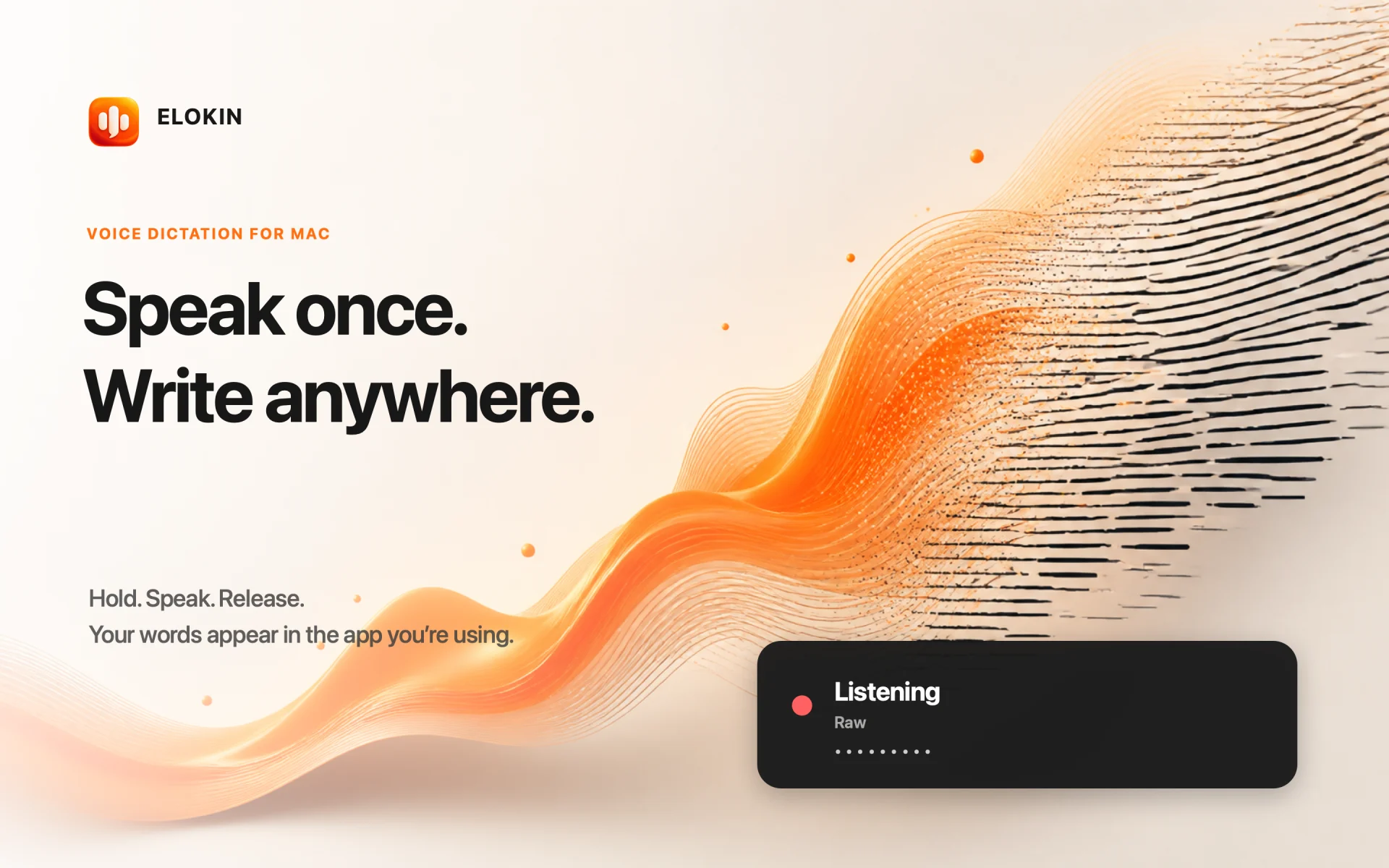
Hold your shortcut, speak naturally, and keep working in the app you already use.
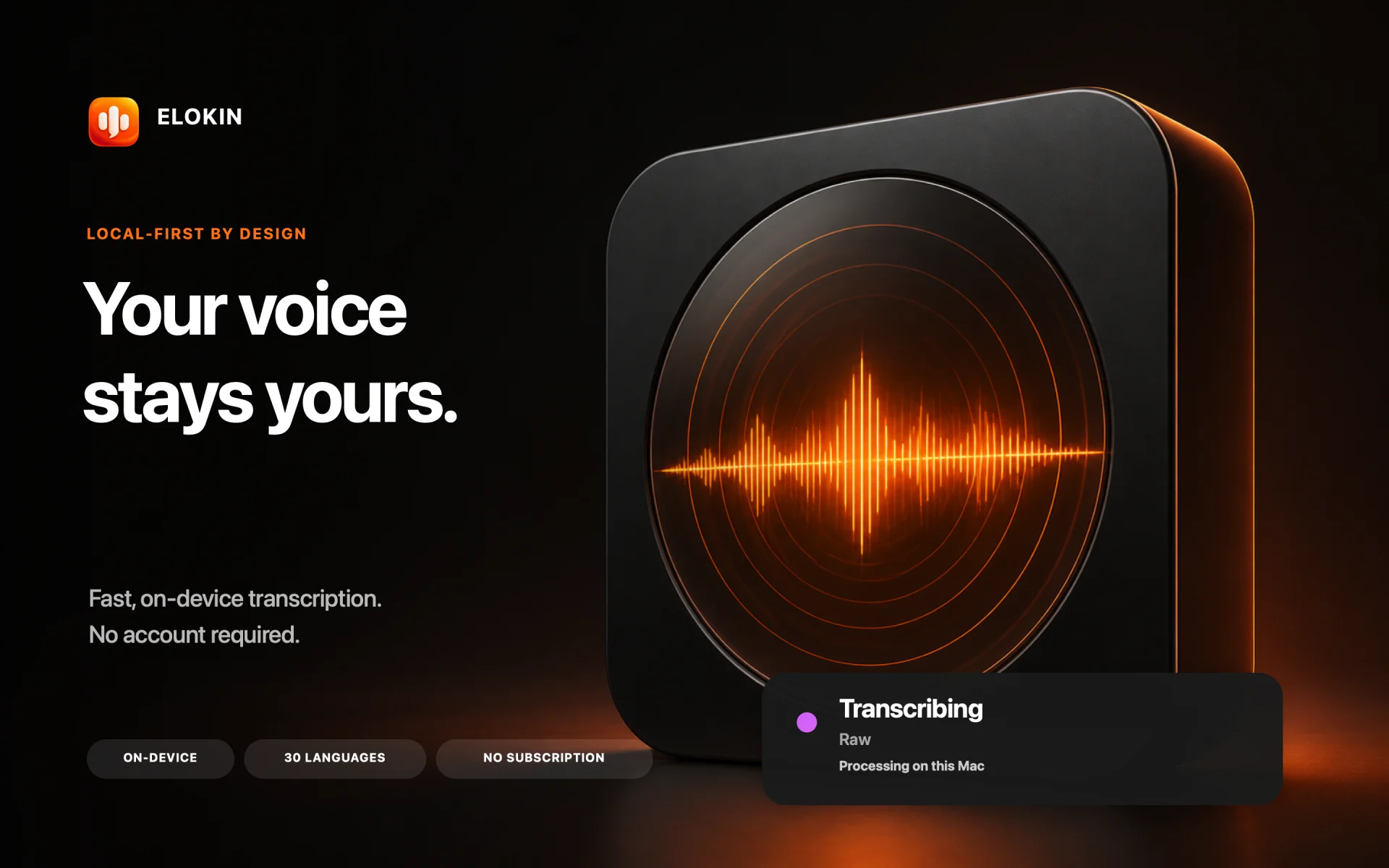
Local models keep transcription and built-in processing on your Mac.
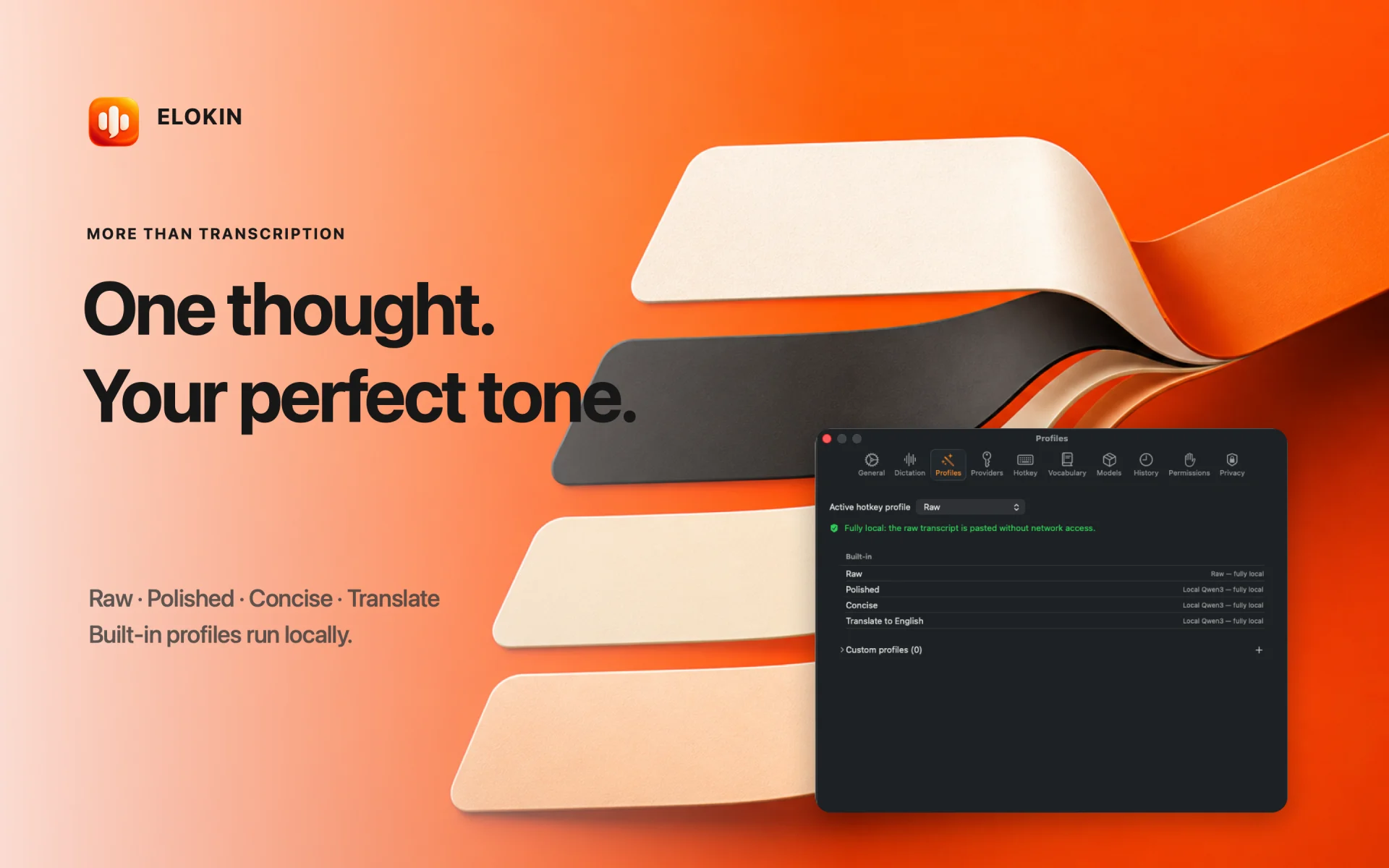
Switch from raw transcription to polished, concise, translated, or custom output.
Elokin starts listening only when you ask.
The local model transcribes on-device.
Your processed text is copied and ready to paste.
Let Elokin detect the spoken language for every dictation, or lock one language for more consistent recognition.
Elokin is built so the private choice is also the easiest one. Dictation and every built-in profile can run without sending your voice or transcript to us.
Audio, transcription, and built-in text processing stay on your Apple silicon Mac.
Custom providers connect only when you configure and select a cloud profile.
Elokin is available on the Mac App Store for a one-time price of €9.99 — no account and no subscription.
View on the Mac App StorePractical, detailed resources about local dictation, speech-to-text on macOS, and using your voice to write better technical prompts.
Learn how on-device speech recognition works, what stays local, and what you need to dictate without a connection.
Read the guide Everyday workflowCompare dictation workflows and turn spoken ideas into clean text for messages, notes, documents, and more.
Read the guide For developersGive Codex, Claude, and ChatGPT more context with local transcription and a vocabulary made for technical terms.
Read the guideYes. Speech recognition and all built-in profiles can run locally after their models have been downloaded. Custom cloud profiles are entirely optional.
Elokin requires a Mac with Apple silicon and macOS 14 or later.
No. Elokin records only while you hold your chosen shortcut long enough to trigger dictation.
Models are not bundled with the app. You choose when to download them from Settings, with progress, pause, verification, and removal controls.
History is disabled by default. If enabled, the latest processed dictations are stored locally in your Mac’s Application Support folder.
Yes. Custom profiles can use OpenAI, Anthropic, or OpenAI-compatible providers with your own API key, stored in macOS Keychain.
Yes. Add terms individually or import a plain-text vocabulary file. Organize them by category, merge or replace lists, and restore the included dictionaries at any time.

Elokin is available for Apple silicon Macs running macOS 14 or later.
Download on the Mac App Store